How to Create an App on Facebook Developers Portal
Make sure you've already created a Business Portfolio before starting this.
- Go to developers.facebook.com/apps and create a new App (Meta's general Create an App doc covers this step for any app type, if you want more detail).
-
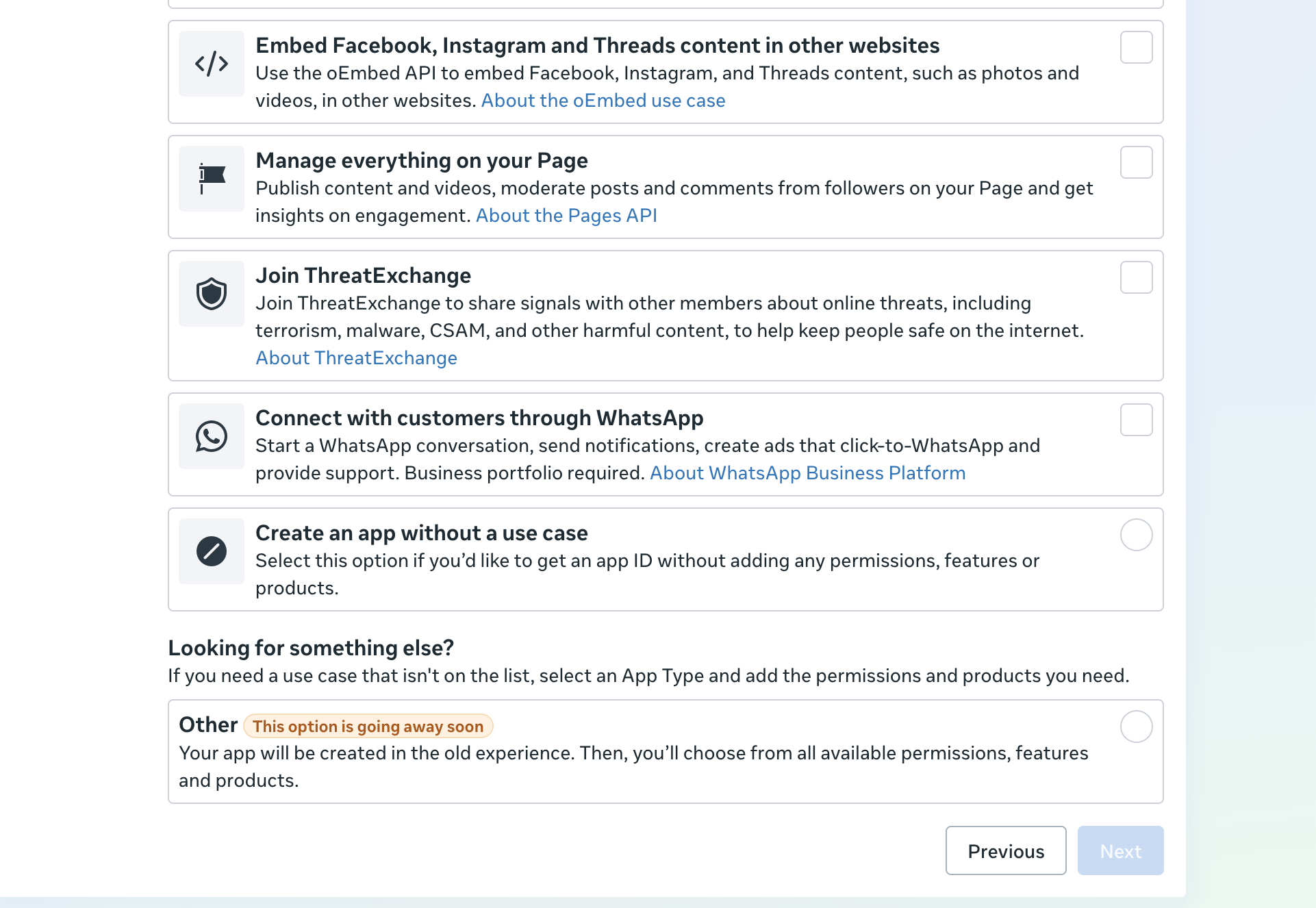
When asked what you want your app to do, choose the
"Connect with customers through WhatsApp" use case (not
"Create an app without a use case" or "Other") — this adds the WhatsApp
product, described in Meta's
WhatsApp Business Accounts
doc, along with the
whatsapp_business_messaging/whatsapp_business_managementpermissions, automatically.
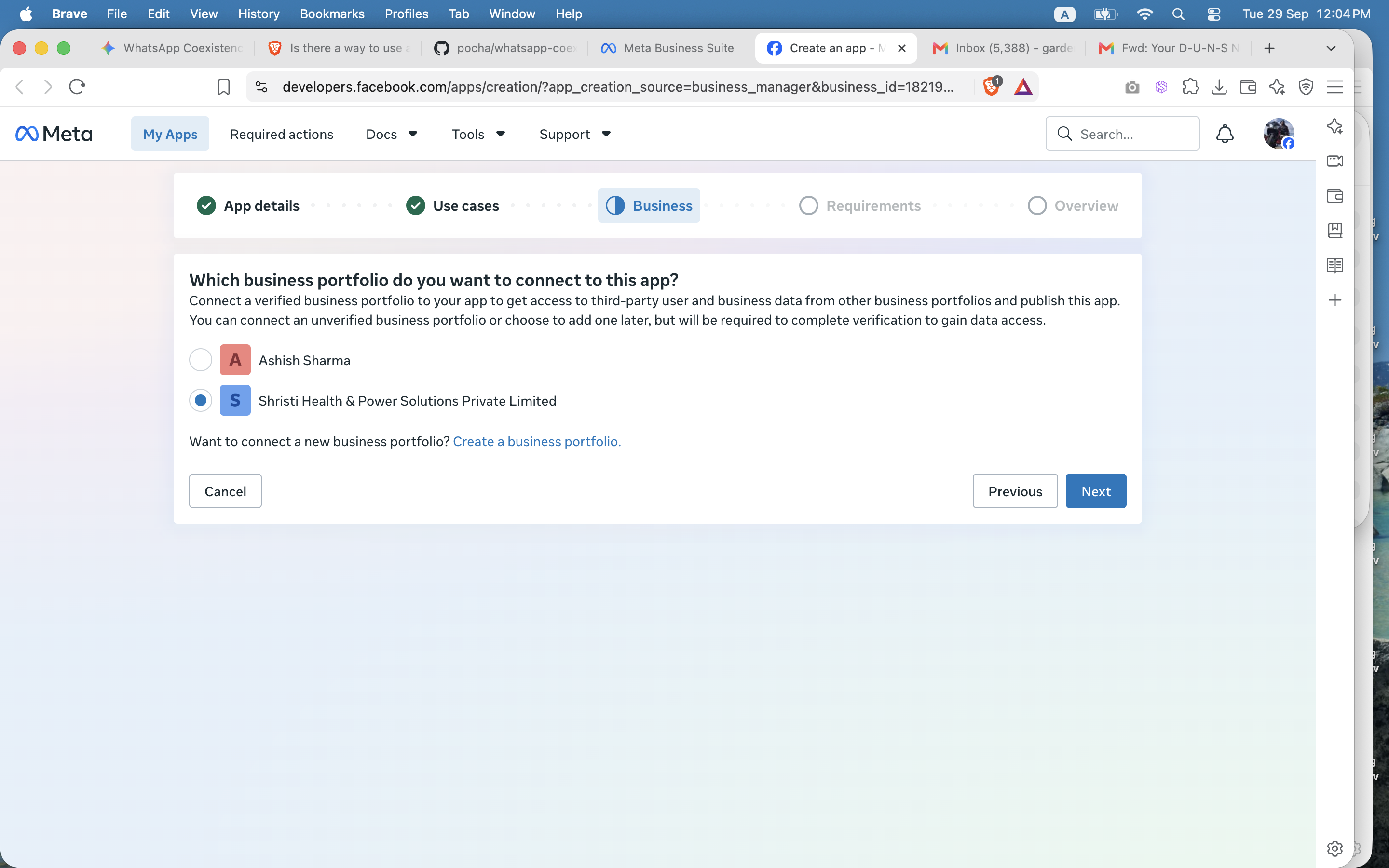
- On the Business step, select the Business Portfolio you created earlier (not your personal profile) and continue.
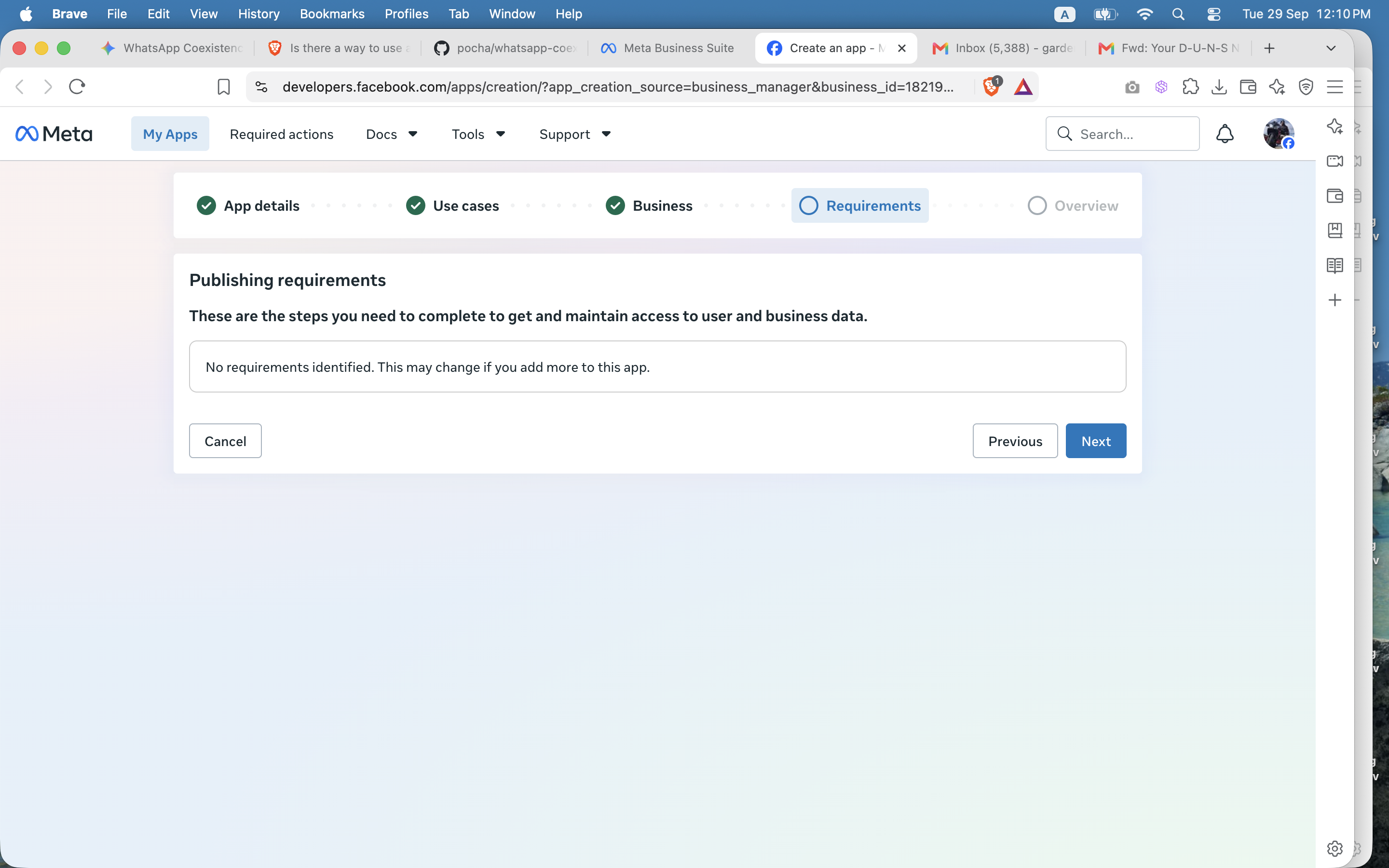
- On the Requirements step you'll likely see "No requirements identified." That's expected, not an error — using the API for your own number (rather than building a platform for other businesses) doesn't require anything extra here. Click Next.
- Go to App Settings → Basic and note down the App ID and App Secret.
- That's it — your app is ready to use the WhatsApp API under Standard Access, which is all a business needs to send and receive messages on its own number.
DO YOU NEED APP REVIEW?
"If you are using the API for yourself as a Direct Developer, you do not need Advanced access or app review. If you are building an app that other businesses will be using, you must request Advanced access for any permissions your app needs."
(Source: App Review — Meta for Developers)
So: no App Review, no demo videos, no Tech Provider status needed to send and receive on your own number — that whole process is a separate, optional path only required if you're building a platform for other businesses to use (see Meta's Become a Tech Provider docs if that's you). See How to Get WhatsApp Business API Access for what to do next with your new app.
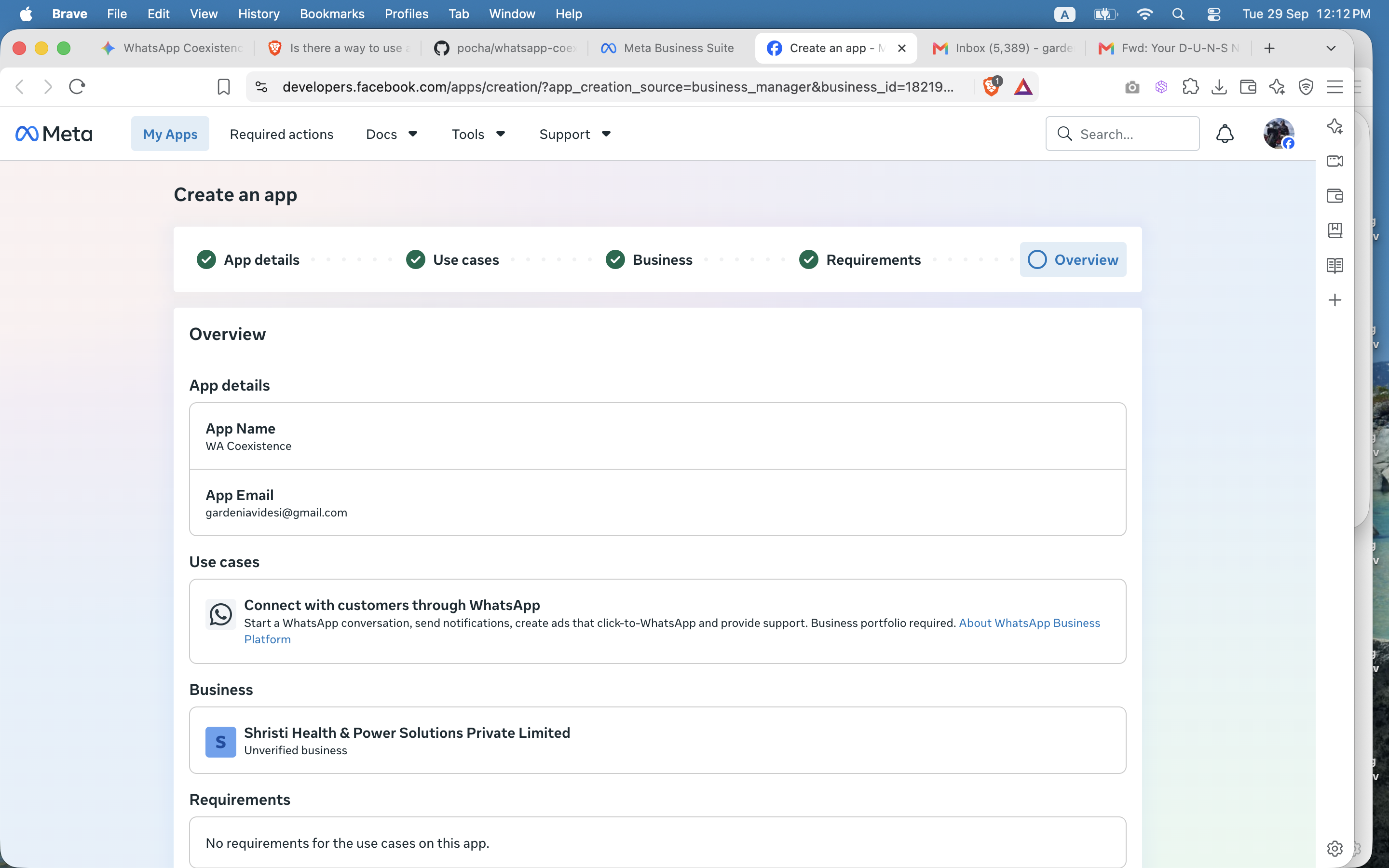
The final overview — confirm everything looks right, then finish creating the app. (The app name shown here, "WA Coexistence", is ours — name yours whatever you like.)